With terms like “remote work” and “new normal” finding their way into most discussions, every online platform strives to equip its customers with the best remote tools.
Are we doing the same? Well…yes and no.
Yes, because we at Zoho Mail have been trying to enhance our remote collaboration capabilities. After all, remote tools have indeed become the need of the hour for most businesses to stay afloat.
And no, because we did not stop there. Along with enhancing Zoho Mail’s remote features, we have also been focusing on bringing other essential remote working solutions into your inbox.
Of all these tools, video conferencing solutions are by far the most in demand at the moment. With much of our work moving into the virtual world, these solutions have become the channel for everything ranging from a quick team meeting to events you conduct for your customers.
Our remote tools integrations have brought Zoho’s virtual meeting solutions right inside your inbox. We’ll be learning the ropes of these integrations over a series of blogs.
The first integration in line will boost productivity by helping your team collaborate effectively while working remotely. Both within the team, and between teams.
Zoho Cliq for team communications
With miles between our teams, we can no longer slide over to our teammate’s desk for a quick conversation to brainstorm ideas. All the ‘water cooler conversations’ have been replaced by chats and calls. Zoho Cliq helps bridge this gap with chat channels, audio, and video calls.
For example, imagine logging in for the day, then switching to Zoho Mail to read emails from your colleagues. Switch back to Cliq to discuss an email, then back to Mail to respond to the email before going back to Cliq to update your chat availability status.
Tired of jumping back and forth between Zoho Mail and Zoho Cliq tabs? Good news: with our new Cliq integration, there’s no need to switch anymore.
You can now initiate Cliq calls directly from your email preview. Simply click on the audio/video call icons next to the sender’s name to start talking with your colleague right away.
Your day is slightly easier now with options to change your Cliq status from Zoho Mail’s profile section to let your team know when you’ve stepped away or joined a call.
We hope this integration helps make your remote work experience easier! If you like our latest integration, tweet us and let us know.
We have more integrations with video conferencing tools coming your way: keep an eye on this blog for the next posts in this series.
Get the complete Zoho advantage: you can now use Zoho Mail along with the broad suite of products that Zoho offers by signing up for Zoho Workplace or Zoho One.
The finance sector is one of the most influential sectors in the world. From individuals to huge organizations, everybody needs financial support. Finance organizations themselves, on the other hand, are dependent on skilled employees to meet the needs of their clients. So, talent retention is one of the key areas that they should focus on. Effective people management requires perfect HR software.
Here are some of the ways in which the HR software can help the finance sector:
Provides employees with a clear picture of their organizational goals.
Reduces any skill gaps by enabling employees to choose courses that are beneficial to their job.
Decreases implicit bias by providing insights gathered from data. This allows you to make fair decisions that are favorable to employees.
Increases the employee retention rate by emphasizing communication, collaboration, and self-service.
Fosters a positive work environment by improving transparency and accountability.
Enhances the document management process by creating workflows for sharing, signing, and storing documents online.
Read more about the advantages of HR software for the finance sector in our HR Knowledge Hive.
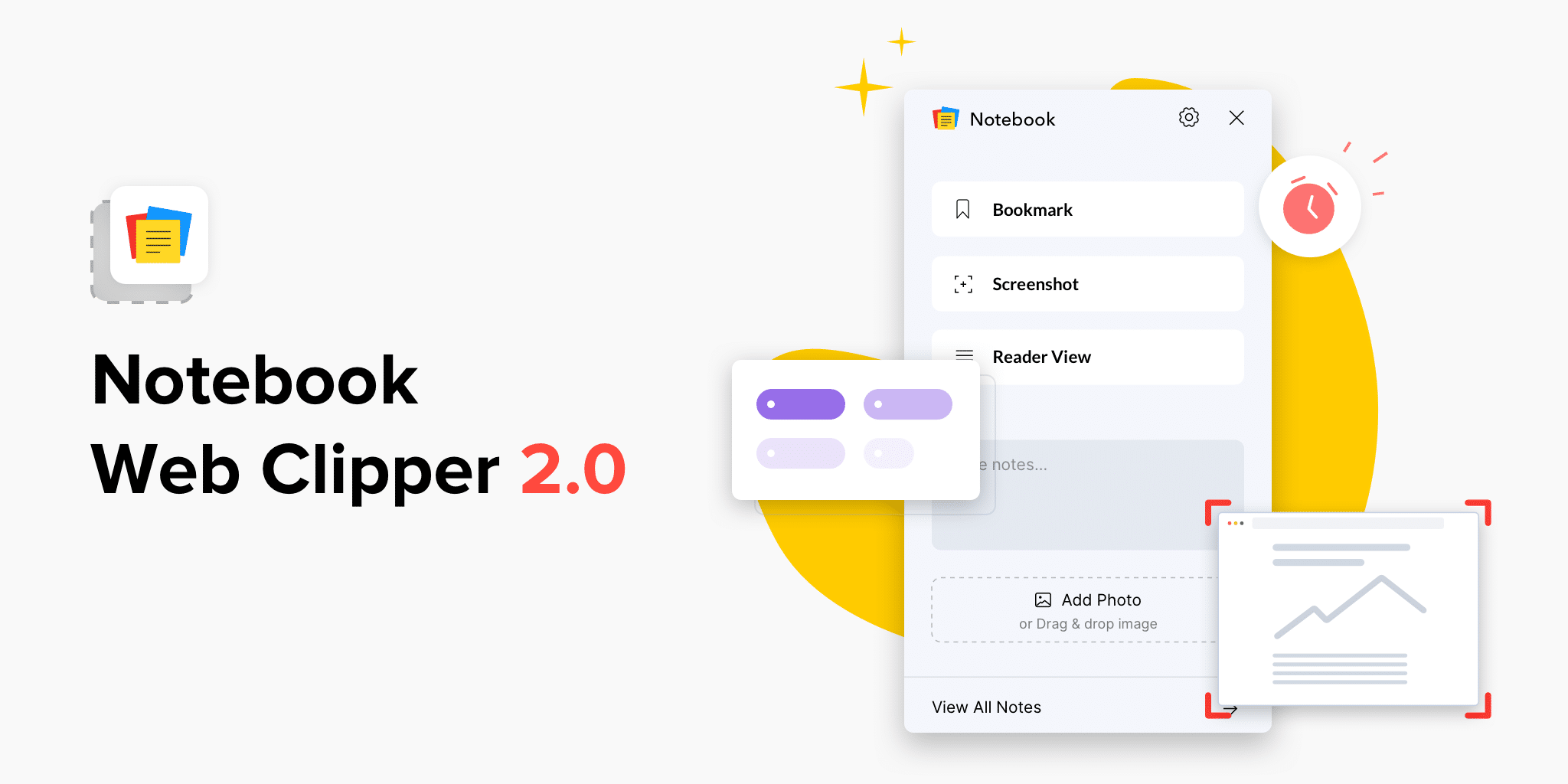
Notebook web clipper just got a major revamp. With a brand-new user interface, you can now use the web clipper to add tags and set reminders to your notecards. Notebook’s web clipper now also supports multiple screen capture modes, like part of the page, full page, and more. Let’s take a look at some of the enhancements we’ve added.
Improved screen capture
We all know screen capture is one of the basic needs for anyone using a web clipper to take notes in their browser. The new Notebook Web Clipper now offers more ways to take screenshots while you browse. Now you can capture the full screen, part of the visible screen, or the visible area of the page. You can also use the “Focused Area” screen capture, which intelligently focuses on the smaller areas in the visible page.
Organize with tags and reminders
You can now add and associate tags to the notecards you create using the web clipper. Whether it’s a Text Card, Photo Card, or Bookmark Card, you can add tags before you save it to Notebook. You can also choose from your existing tags and add tags in the Reader View.
Stay on top of your work by adding reminders to your notecards. All your reminders are synced across your devices so you never miss an important note.
Reader view updates
Reader View now remembers your selection for the next time you choose to clean an article. Notebook’s web clipper remembers your font choices and themes. You can also now edit the content in the Reader View before you choose to save it in Notebook, as well as choose the notecard color.
In addition to this, we’ve added Google Meet to the list of apps supported in Meeting Notes.
We hope these improvements will help improve your productivity when you use Notebook’s web clipper to browse articles. Have any questions or feedback? Leave us a comment here or write to [email protected].
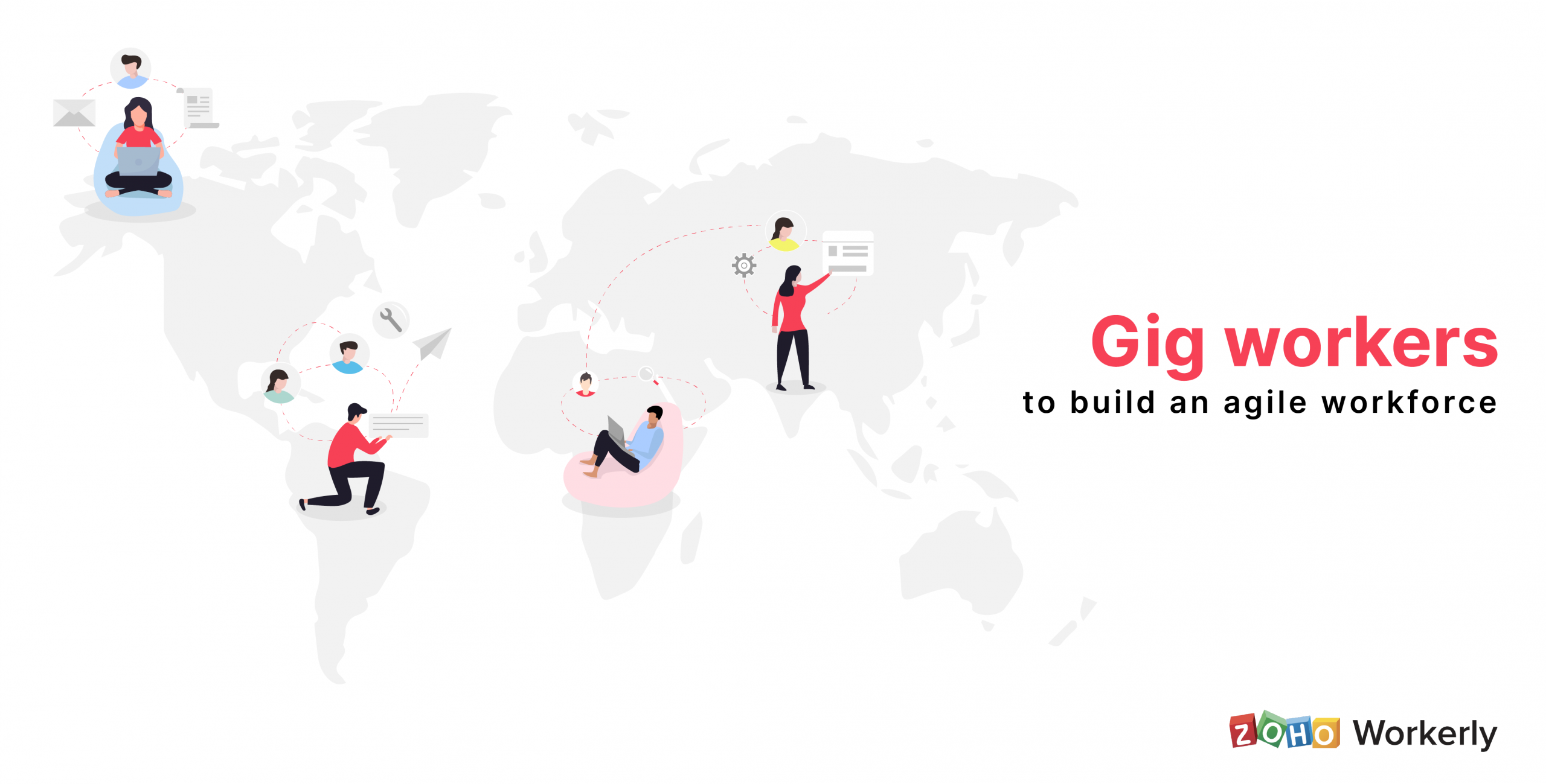
News articles on gig workers working multiple shifts have been all over the internet last week. Unemployment in the U.S. has raised to a level not seen since the great depression. It’s been observed that gig workers have been facing stiff competition from recently unemployed workers who are also clamoring for jobs. All of this has happened while the risk of contracting the coronavirus on the job looms in the background.
A report by ASSOCHAM (Associate Chamber of Commerce and Industry of India) puts the annual growth rate of the gig economy within the country at 17 percent, and predicts that it will reach $455 billion by 2023.
Given the unemployment landscape the world is facing, we need to acknowledge and plan for the reality of a rapidly expanding gig economy internationally.
As various countries start to recover from massive unemployment, the new normal may pave a shift away from full-time jobs to side hustles and multiple gigs, experts predict.
The time has come to accept that the gig working model is emerging as a norm in economies the world over. The focus has shifted away from hiring for the long term in order to expand on temporary gains and meet the demands of the current business landscape. The competition is fiercer than ever before.
Silver lining for gig workers With continuing economic tensions, small businesses are struggling to stay afloat. Many are already relying on short-term internet gigs to stay profitable.
The IT industry was one among the very first to adopt a remote working model. Despite the fact that IT firms have frozen hiring, they have been looking for freelancers to ideate quickly and work on multiple projects as customer requirements change on short notice.
The increased rate of digitization and technology adoption is proving to be able to create more jobs and foster economic inclusion. While contingent or temporary workforces are growing to include agencies, freelancers, and gig workers, digital platforms are facilitating this change.
The emergence of domestic and international freelancing digital platforms will also prove to be a game-changer, especially for the expanding knowledge economy.
The disruption of stable jobs in the Covid-19 era is pushing the employment landscape towards a transitional phase by replacing older models of work with a new model that’s digitally connected with highly-skilled freelancers. This movement has been welcomed wholeheartedly by employers eager to fill the emerging skill gap.
Key-takeaways:
It is time to embrace gig workers. They can help you fill in the skill gap and provide demand-driven support for your business.
If you’re looking to build an agile workforce, adopting cost-effective staffing and managing software tools is crucial to your success.
Post-pandemic, these trends may continue as we shift toward a more uncertain gig economy that relies heavily on the internet.
Zoho Workerly is dedicated to ensuring that you and your team feel supported, and remain equipped to adapt to the rapid changes in the current economy.
Which is the more important part of an email when it comes to fetching opens and driving conversions—its subject line, content, or design?
This question has lingered in the minds of many email marketers. This is because while a great subject line creates instant recognition and clarity, good content addresses the subscribers’ pain points and establishes trust with them. But then unique email design with images, fonts, colors and interactive elements increases the visual brilliance of an email. Let’s delve deep and explore more about these three aspects and find out which among them plays the most important role.
If you missed our webinar, here’s its recorded version. We’ve also put up the questions and answers that revolve around the webinar topic. Above all, do write back to us in the comment box below if you have any other questions apart from the ones answered. We’ll happily answer them as soon as possible.
What is subject line and what role does it play in email marketing?
The subject line, as the name indicates, talks about the subject of the email within just a few characters. It introduces the email and is one of the first elements besides the sender name and preheader that the recipient notices even before opening the email. Therefore, a clear subject line helps the recipient decide whether to open the email or not.
What should a good subject line contain?
Your subject line should clearly mention the purpose of the email. With this, it should help the reader make the choice whether or not to open the message. If you are sending the email to someone for the first time, maintain brevity and convey your message accurately. Don’t forget to play around the subject line if you also wish to instill curiosity among recipients.
How do I create more effective subject lines?
To create an effective subject line, you have to ensure it properly reflects the email’s content. Determining whether your content will appeal to your reader is only possible using unique segmentation that informs you about your recipients’ tastes and preferences. Being well-informed, now you need to cite the purpose of the email while being precise and maintaining a conversational tone.
Apart from this, ensure that your subject line contains no more than one punctuation mark. For example-
“Wondering what to choose this summer?”
You should use upper cases and lower cases appropriately—limit your use of upper case to avoid giving the impression that you’re shouting at the reader. Some techniques such as incorporation of numbers and literary techniques in the subject line can also work wonders in providing credibility and uniqueness to your subject line. Lastly, you should use A/B testing to check which subject line works best among your email recipients.
What is the relevance of content in email marketing?
Content occupies the majority of the space in marketing emails and newsletters, hence it is most noticeable to readers. Content communicates the crux of the message and initiates interaction with elements like CTAs. The continuity in content will help you justify your motives and build trust among your subscribers. Due to the the presence of these interactive elements in your content, you can evaluate your recipients’ engagement metrics via open rates, clickthrough rates, and more.
What are the best ways to create email content that resonates with the recipients’ tastes and preferences?
You should aim to put the spotlight on the subscriber or email recipient. Write the content in second person and focus on the recipients, their benefits, and their pain points. Make your content a platform to resolve your customers’ problems or make it an avenue of information for your customers. Try to maintain consistency between your content and subject line so you can offer your subscribers much-needed clarity every time they open your emails. Your aim is not simply to convey your message to your subscribers but also to ensure that it is done so properly. For this you need to adopt simplicity and avoid complex words and technical jargon. Continue this modest approach and craft a signature tone or voice to build trust among your subscribers.
What are some factors in content that a spam filter uses to judge an email? Like links or spammy words, etc?
Indeed, spam filters will look for spammy words and multiple redirection links in the content. We elaborate on all of this at length here.
How different should our approach be while creating newsletters?
Newsletters are not too different from marketing emails. They tend to inform subscribers or resolve their problems at a bigger scale. The number of subjects covered in a newsletter can be varied, or there can be different types of content based on one topic. Since not everything can be covered in one newsletter, providing links to the actual readables and watchables is a must. The best way to authenticate your newsletter content is by providing facts. Try to maintain an active tone and prevent your content from being too persuasive.
What are the other aspects of design in email marketing apart from increasing its aesthetic value?
By design, we actually delve into an area consisting of images, fonts, layouts, buttons, and more. All of these contribute towards representing the brand, product, and message in a more accurate and interactive way. The elements in your email design, such as fonts, colors, and images, will create consistency with your message, brand, and products. The layout of your email acts as guide to lead the viewers and readers to the most important part of the email—for example, a CTA button. These elements will not only initiate interaction but also help you evaluate it.
Does using HTML result in more email going to the spam folder than using plain text?
The result of an email going to spam folder is purely based on the content you use in the subject and content part.
How do I craft and incorporate fruitful design elements in my emails?
Always remember that emails these days are mostly read from mobile phones, thus you should make the email template responsive to different platforms and devices. In addition, follow these methods:
Last but not least, you should use your email designs to create a recognizable pattern among your subscribers and newer customers. Your use of images, colors, fonts, and other elements should be continued for a considerable time so that every email recipient recognizes you via these elements.
How do I add alt text to images in Campaigns?
You can access the image editor option while designing your email template. There you can click on the ‘add image‘ option and add alt text to your image.
Conclusion
A marketing email is an amalgamation of various aspects with the subject line, content, and design each playing important roles. None of these individual aspects can dictate your email’s success, but a careful curation of all three will make your email effective.
The COVID-19 pandemic has transformed the way we work today. Much of our work is moving online: marketing, B2B sales, events, and more. In all these cases presentation slides take the center stage to express your ideas effortlessly.
So, we at Show have asked ourselves how our users can deliver an effective presentation while working remotely.
In this blog post, we’ve compiled some practical ways to make an impact in our online-only era.
What makes online presenting different?
To understand how content needs to change when presenting online, we need to understand the differences between in-person and online presentations.
Nature of presentations
In-person
Online
What do you have?
Presenter, slides, and audience in front of you
Presenter, slides, and audience in different places
Presenter
The presenter can use body language and presence.
Presenter lacks presence and restricted to a tiny thumbnail on the screen.
The presenter gets live feedback from their audience.
The presenter may find it challenging to streamline communication, especially from the audience’s side
Slides
The presenter can interact with their slides to direct audience attention.
The presenter can’t interact directly with their slides.
The audience can see the slides and presenter at the same time.
Simultaneous contact between the speaker and slides is challenging.
Audience
Social convention means audience members are unlikely to walk out.
The audience can be anonymous and unobserved, and they may be subject to more distractions.
A live audience shares its energy with laughter and applause.
Presenter can’t capture their emotion as most of them keep themselves muted.
All the above facts guide us to one simple fact: the presenter must work much harder to keep audiences engaged when presenting remotely.
Even compelling content can be a distraction when the presenter and the slides are perceived as a different entity, especially during online sessions. So first, we need to work towards eliminating distractions.
Engaging and retaining attention
One of the drawbacks of presenting online is that many people think they’re good at multi-tasking. They check their emails, upcoming tasks, work chats, and even social media, thinking they can still pay attention and grasp the speaker’s points.
However, there are several things you can do to keep your audience engaged.
First, have an effective set-up so that you can present confidently without fear of interruption. Simultaneously, try to anticipate your audience’s distractions and fine-tune your talks to make it easy to grasp your ideas.
Secondly, ensure that your audience won’t get distracted by your surroundings. Your online meeting set-up needs a little more thought than simply locking the door to prevent distractions and throwing a smart jacket on, over your pyjamas.
Customize your working space to appear more professional and non-distracting.
Try to anticipate any noise interruptions. This might mean asking anyone you live with to try to be quiet during your presentation time or even turning off the noisy air conditioning unit before you start.
Important skills for online presentations
Online presenters need to avoid monotony. We used to think that for some presenters the best way to do that was to work hard to develop and refine an interesting script.
If you aren’t using live video, then you won’t be seen reading. However, few people can read straight from the best script in a convincing way. So, our advice is to:
Speak from notes, not from the script
Practise. Practice. Practice.
Don’t read verbatim
To break up any monotony further, consider adding more variation to the way you structure your content and the format you use to present it.
Divide your material into five to eight minutes, so that attention levels don’t flag too much. A non-stop 30-minute presentation might make sense face-to-face, but it’s not going to work online.
Plan questions to keep your audience engaged.
If you’re presenting to a small group, show a few minutes of content at a time. Create a visual conversation by guiding your viewers which part of the slide they should look at.
Webcam etiquette
With online meetings, it’s worth adding a note about webcam etiquette. Throughout this blog, we’re assuming you will use a webcam, so here are some tips.
Use video, but not when it would distract from your slides.
Use your webcam for introductions and conversations, and to answer questions, but consider turning your camera off when presenting slides.
During sales meetings, asking to chat over webcam might put pressure on your audience. So, as a courtesy, make it clear that you are planning a video meeting when setting up the call.
Remember, it’s your slides that do the actual talking
In offline sessions, your presentations complement your talk. Both of these together form a powerful partnership to convey your ideas better.
But it can be the opposite when it comes to online presentations. When presenting remotely, your slides matter the most as they become the face of your ideas, so they should be even more compelling, with more emphasis on design than in offline sessions.
Eliminate any dull text-heavy slides that stay on screen for minutes at a time with nothing moving or changing. Couple boring slides with a monotonous reading of your points, and you’ve got the perfect remedy for insomnia.
Your slides should always visually illustrate or reinforce your information—if you have dynamic slides portraying your ideas, you’re already halfway there.
Summary:
All that being said, the goals for online meetings are no different than in-person meetings: communicate clearly so you can make decisions to move your organization forward.
When your meeting is remote, you just need to make a few adjustments to achieve that goal. By preparing properly, participating fully and following up, your online meetings can be just as successful as sitting in a room together.
Above everything, if you have any comments, questions or meeting tips, it would be great to hear them in the comment section below!
Happy presenting…
Prasanna
Product marketer at Zoho. An ardent follower of Chelsea FC and Formula 1. Believer of Butterfly-effect, cosmic connections and photo-systhesis…
HR professionals in the education sector should keep their employees happy and engaged to help them create a better learning environment for their employees.
This can go a long way towards providing a better learning experience for your students. HR tech, especially HR software, is an easy way to do this. Here’s how HR software benefits the education sector:
Saves time by automating employee attendance
Makes the learning process easy for your employees by supporting e-learning
Provides features like live feeds, forums, and chat to make the communication process simpler
Improves employee performance by supporting frequent reviews and feedback
Streamlines employee requests, allowing you to respond much faster
Allows employees to save and access documents online
Read more about the benefits of HR software for the education sector in our HR Knowledge Hive.
After 15 years in service, there’s something we’re ready to change—our logo. When we came up with our previous logo, 3-D effects were in vogue, so we decided to use a handshake to symbolize closing deals and forming relationships. So much has changed over the years with Zoho CRM, that we decided it was time to give our logo an overhaul.
The formula of CRM has changed. It’s not only about closing deals anymore.
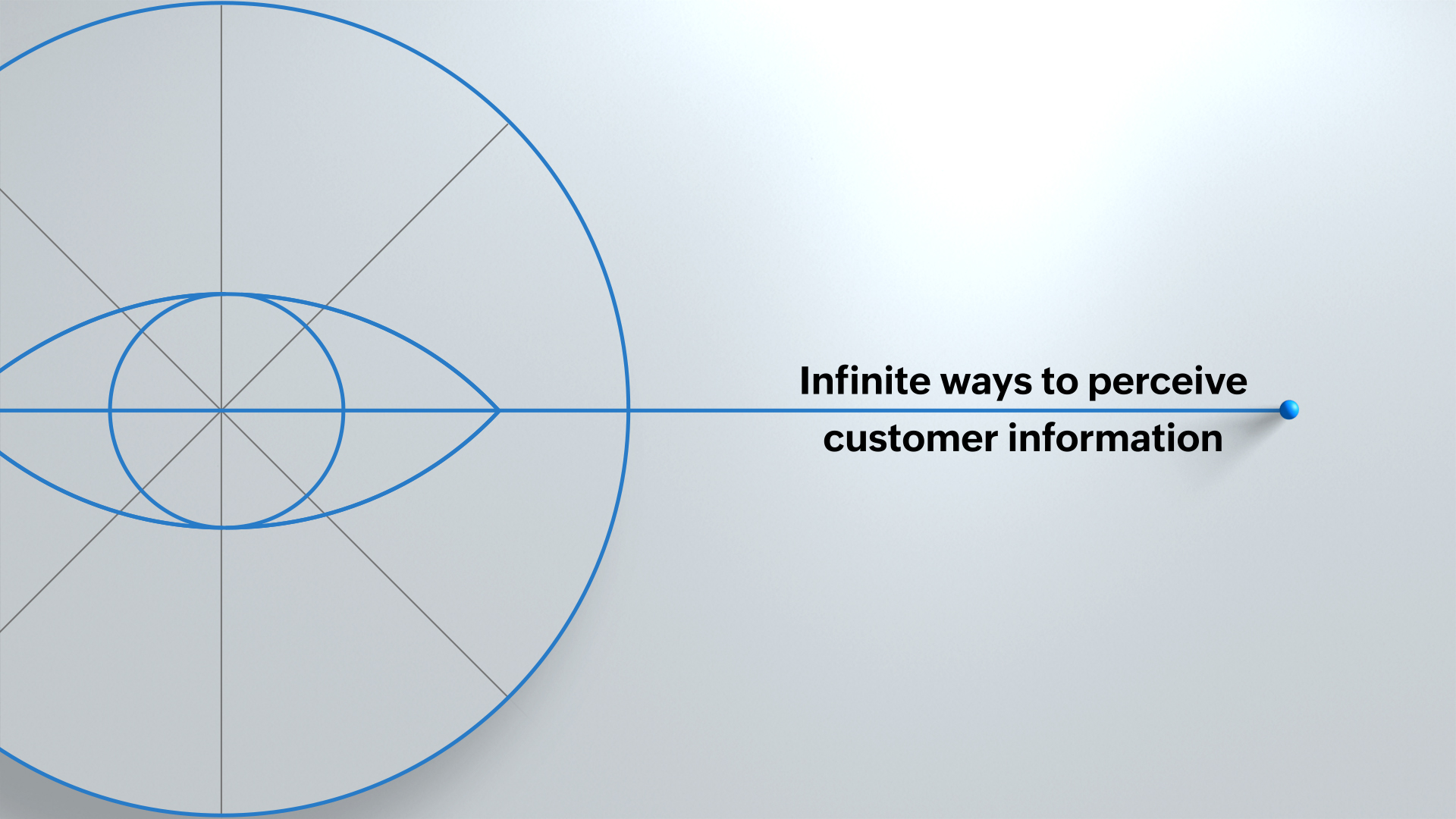
– Now we focus on giving you infinite ways to organize your customer information, with deep insights for turning data into ideas. Find out what your prospects are interested in and what your customers need.
– We promise to help you provide a personalized experience to satisfy customers across infinite paths along their journey, including post-sale.
– Zoho CRM is packed with intelligence to help you sell smarter, empowering you with information on how your customers feel and how efficient your sales process is, so you can build on infinite opportunities.
We’re not just helping you foster relationships anymore, either. We’re helping you nurture and sustain infinite, everlasting relationships with your customers. Just how our customers have supported us over the years to become the world’s favorite CRM, the relationships you build are going to become your advocates for life.
When your customer retention is high and your customers trust you, you develop business continuity. Despite whatever hurdles come your way, you’re here to last. Your relationships form a continuous loop, where you take care of your customers, and your customers take care of you. Relationships backed by insights, good experiences, and business intelligence are what will set you apart from the competition and make your company memorable.
Zoho CRM started with a handshake, and at the end of the day, relationships are still the focus of everything we stand for. If you look closely, you’ll see that we haven’t let go of the handshake—we’ve improved on it.
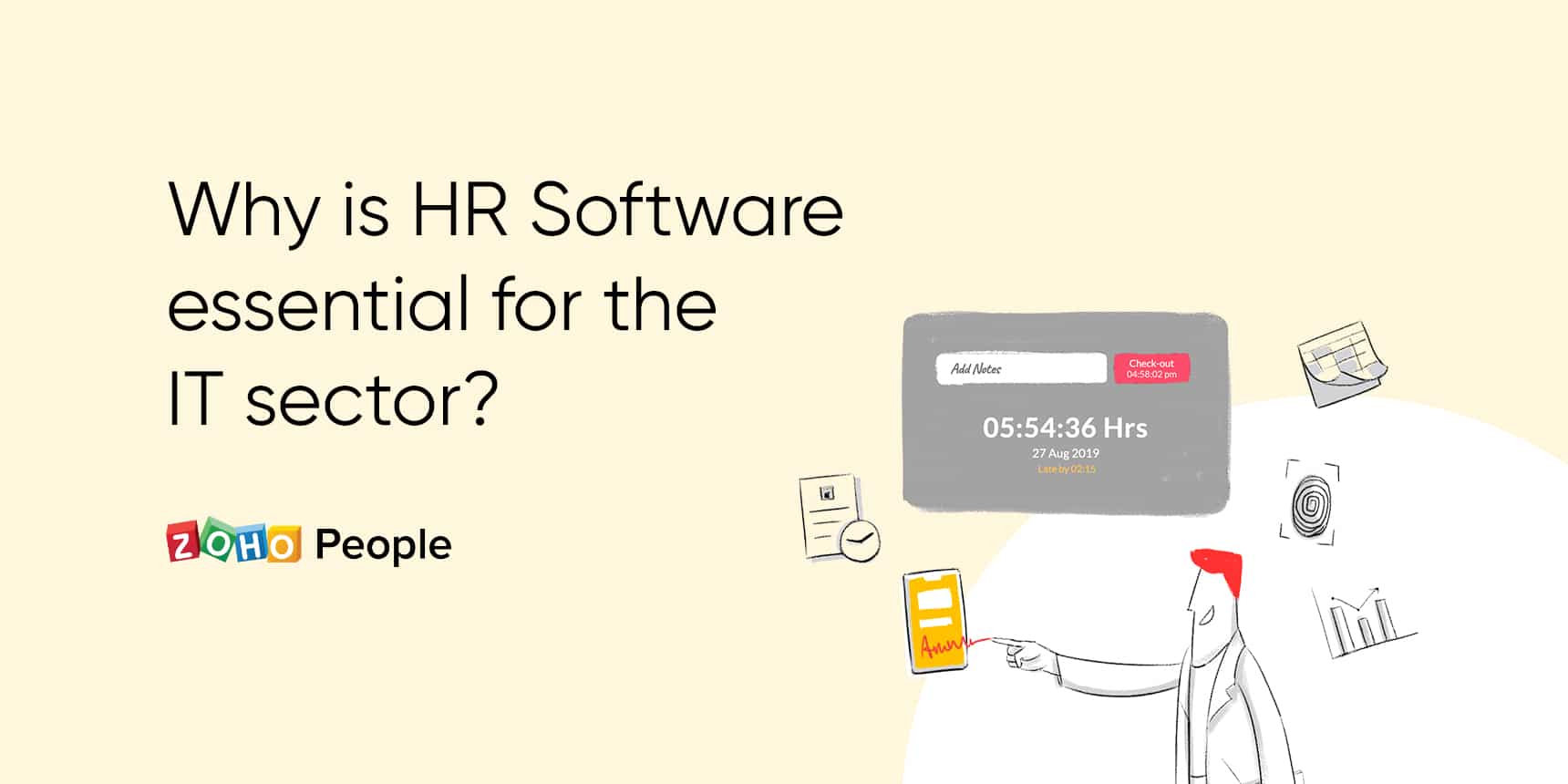
The IT sector, one of the fast-growing industries in the world, is dependent on its employees to improve its service delivery capabilities. It should remain focused on human resource management to build a thriving and productive workforce. However, it’s impossible to step up people management, when the internal HR operations are managed manually in your organization.
That’s why it’s necessary to implement HR software that can automate every single HR function in your organization. Here are some of the important advantages of HR software to the IT sector:
Saves you from repeating HR tasks by automating all the HR operations, increasing productivity, and saving time.
Provides employees access to a self-service portal through which they can find important information and perform a host of HR tasks independently.
Allows employees to record time spent on different projects. This eases payroll processing and allows you to bill customers without any errors.
Aligns employee performance with organizational goals and keeps employees and reporting managers on the same page.
Automates the employee shift scheduling process, preventing unnecessary errors and confusion.
Eases remote workforce management with all HR tasks functioning online.
Enables you to make strategic decisions quickly by providing reports generated using employee data.
Read more about how HR software can improve people management in the IT sector in our HR Knowledge Hive.
Starting a business is no easy task, no matter the size, but there are a few important steps that small businesses tend to skip out onwhile they’re in the bustle of action. So, I’ve curated 20 tips from listening to small business success stories to create a checklist for you. I hope these 20 tips give you a head start on your journey.
1. Don’t wait to start your Twitter account. Believe in yourself, and watch how your customers believe in you, too. 2. Make immediate, short, and long-term goals. Don’t make your goals unattainable. Be practical, but push yourself. 3. Don’t overdo multi-tasking. In most small businesses, everyone wears a lot of hats. Just make sure that you don’t sacrifice one job in an effort to do all of them at once. The perfect is the enemy of the good. 4. Have back up plans—multiple back up plans. Failing to plan is planning to fail. Think of your worst-case scenarios, and come up with a plan to prevent them. 5. Use LinkedIn to make connections that’ll support you. Connect with every like-minded individual you know. They can help you, and make suggestions as they watch your business grow. 6. Take all the advice you can get. You may have a different game plan, but you’ll never know when someone else’s experience can work in service of your own. 7. Get all the help you can get. It may seem like you have it figured out, but as you grow, you might end up playing catch-up simply because you wanted to do it all yourself. 8. Don’t quit your day job until you absolutely need to. Starting a small business is expensive. Outside income can help you. Plus, you’ll have less stress when getting your business up and running, because you won’t be relying on it for expenses. 9. Go digital. If you can’t afford to pay for software, that’s okay, there are many SaaS offerings out there. Try to digitize your accounting, sales, and project management. The sooner the better. 10. Automate whatever you can. You already have enough to stay on top of. Try to eliminate monotonous tasks by using software solutions. But be careful not to lose your personal touch. 11. Content marketing works. Talk about your product, talk about your business, talk about your dream, talk about anything! Make sure you include SEO keywords to bring in your audience. 12. Don’t be afraid to talk about your business with the people you meet. Word of mouth is still the best means of marketing, and it all starts with you. 13. Analyze everything. From your expenses, to your team’s performance, to your sales, it’s good to keep a track of what’s important, so you’re not in for a rude awakening if something goes wrong. 14. Listen to your customers. Feedback is essential, especially when you’re just getting started and can fix processes before its too late. Always ask what you can be doing better. 15. Make sure you’re available to provide excellent support. That means being available on any platforms your customers are likely to reach out on. Many customers will leave a brand if they don’t get the customer experience they expect. 16. Don’t be afraid of the competition. Especially in an industry that’s well-established. You’re bringing something new to the table, and people are always looking for something exciting that makes sense to them. 17. Develop your company culture. Not only does this hold your team together, but it also gives your customers and prospects an idea of what you’re all about. It can also set you apart from your competition. 18. Stay updated with current affairs. Stay on top of the news—not only in your industry—but in related industries, too. That way, you can make informed decisions proactively that put you ahead of the competition. 19. Invest in training your employees. Every business is different, so don’t expect your team to just catch on over time. You can save yourself from expensive mistakes by offering quality guidance to mold your dream team. 20. Form lasting relationships with both customers and employees. Your employees will be motivated to work harder if they feel appreciated. Your customers will stick with you if they feel understood.
I hope these tips are able to help you, and I wish you success. I’m sure other businesses could benefit from hearing your input, so please leave a comment with any advice that’s served you.
This website uses cookies to improve your experience. We'll assume you're ok with this, but you can opt-out if you wish. Cookie settingsACCEPT
Privacy & Cookies Policy
Privacy Overview
This website uses cookies to improve your experience while you navigate through the website. Out of these cookies, the cookies that are categorized as necessary are stored on your browser as they are essential for the working of basic functionalities of the website. We also use third-party cookies that help us analyze and understand how you use this website. These cookies will be stored in your browser only with your consent. You also have the option to opt-out of these cookies. But opting out of some of these cookies may have an effect on your browsing experience.
Necessary cookies are absolutely essential for the website to function properly. This category only includes cookies that ensures basic functionalities and security features of the website. These cookies do not store any personal information.
Any cookies that may not be particularly necessary for the website to function and is used specifically to collect user personal data via analytics, ads, other embedded contents are termed as non-necessary cookies. It is mandatory to procure user consent prior to running these cookies on your website.