Align IT monitoring metrics and business KPIs using Advanced Analytics

In today’s hyper-competitive business world, organizations are heavily banking on technology. This is transforming IT from being merely a business enabler, to a key business differentiator. It’s become the key factor for helping businesses realize their strategic goals.
In this setting, it’s crucial for businesses globally to align their IT efforts with their business goals to propel their teams to achieve well-defined goals. The IT-Business Collaborative Framework is one such model that brings out the importance of striking an optimum balance between IT efforts and business goals—in order to avoid bottlenecks and sustain progress.
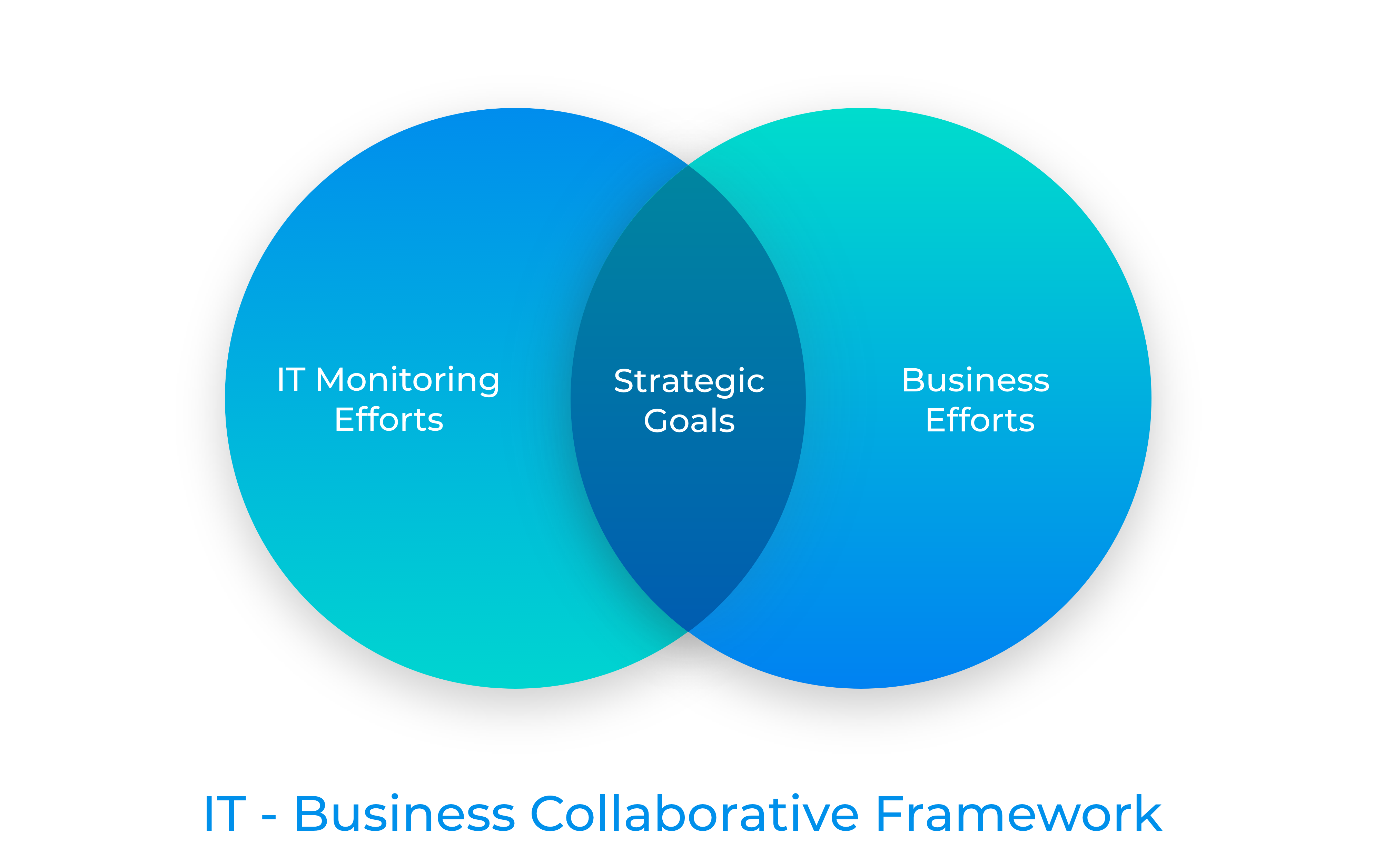
At many companies, it’s common for ongoing digitization efforts to take up a lot of bandwidth, shifting IT’s “circle” away from achieving strategic goals. This is why it’s imperative for organizations to maintain a balance between IT’s responsibilities and business goals.

In this blog, we’ll explain how organizations can align their IT metrics with their business KPIs using IT monitoring as an example. Of the many possibilities that exist, we’ve chosen three website monitoring metrics for demonstration purposes. All of these examples run on integrations between Zoho Analytics and Site24x7 (a full-stack IT monitoring platform). 

Performance

Any degradation in website performance will directly affect how end users perceive a brand. Plus, search engines use website page load time as a significant factor in determining a site’s search engine ranking. Just a 2-second delay during a sales transaction results in bounce rates of up to 87%.

Using the powerful combination of Site24x7 and Zoho Analytics, let’s learn how performance metrics need to be aligned with a business’ KPIs.

By blending the performance data from Site24x7 and bounce rate data from Google Analytics, IT managers and teams can assess the impact of website performance on bounce rates. These geo maps give you a granular understanding of your website’s performance and the corresponding bounce rates across multiple geographies. For an ecommerce website, high bounce rates can translate into substantial loss of sales.

These powerful visualizations can enable businesses to quickly understand and optimize their website performance from a particular location that has high response times to reduce bounce rates and improve customer experience.

Outages

Virtually every product and service has an alternative. In a flooded market, how do businesses retain customers and thrive? One of the many fundamental things they do is to ensure they meet their customers’ needs. In a technology-driven world, website outages are a death sentence. By optimizing to eliminate outages, IT teams can contribute less to churn and more to driving revenue.

Read on to learn how IT teams can align their outage metrics with their business goals.

By blending the outage data from Site24x7 and the subscriptions and cancellations data from a subscription service, IT managers and teams can assess the impact of website outages on subscriptions and cancellations. For the month of April 2020, this business has witnessed a dip in subscriptions and a spike in cancellations. There may be a plethora of reasons for this, but, from an IT perspective, one of the reasons could be a high outage count.

By visually analyzing these datasets, IT teams can be equipped with the necessary insights to optimize website outages and, in turn, play their part in maintaining healthy revenue for the organization they’re part of. 

Alarms

The phrase “expect the unexpected” is the mantra for IT teams around the world. To handle uncertainties effectively, it’s essential for IT teams to have end-to-end insights. They enable teams to systematically correlate multiple variables to drill into the problem—and responding to alarms calls for a similar approach.

The advanced analytical capabilities this integration brings to the table empower IT teams with end-to-end insights to respond to alarms effectively.

By blending the alarms data from Site24x7 and the support tickets data from an IT help desk service, IT managers and teams can access the impact of alarms on the flow of support tickets.

This visual analysis, in the form of heat maps, tells us that a good number of support tickets flow into the system during the 12th hour of the day. Though there may be multiple reasons for this, from an IT perspective, one of the reasons may be attributed to a higher alarms count. The heat map shows a higher concentration of alarms between 11am and 12pm every day. To find the reasons for the high alarm count, IT teams can instantly perform a drill down to spot the problem.

With similar analysis, businesses can be more prepared in responding to alarms. These insights can also help them optimize their IT resources.

Summary

Our ever-expanding technology boom is driving businesses to embrace IT as a key business differentiator. This has the paved way for IT monitoring to become an indispensable component of any business.

A robust IT monitoring platform can help businesses in end-to-end monitoring of their IT assets worldwide. However, in a VUCA (Volatility, Uncertainty, Complexity, and Ambiguity) world driven by incomprehensible market forces, it’s extremely important to align your IT efforts with your business goals, as described in the IT-Business Collaborative Framework.

A powerful BI application, when combined with a robust IT monitoring platform, can add a layer of mission-critical insights for organizations to give a business angle to their IT efforts. This combination can be one of several enablers to help you achieve your strategic business goals.

As one of the forerunners in offering integrations, Zoho Analytics currently integrates with several leading IT applications. Learn more about our integrations.

Sign up to explore how Zoho Analytics can help you align your IT monitoring metrics with business KPIs.

Or watch our webinar: “Align IT monitoring metrics and business KPIs using Advanced Analytics.”

Net Universe offers all Zoho subscritpions and consultant services with worldwide Delivery Services.
Send us an email to [email protected] for more information or visit https://www.netuniversecorp.com/zoho.
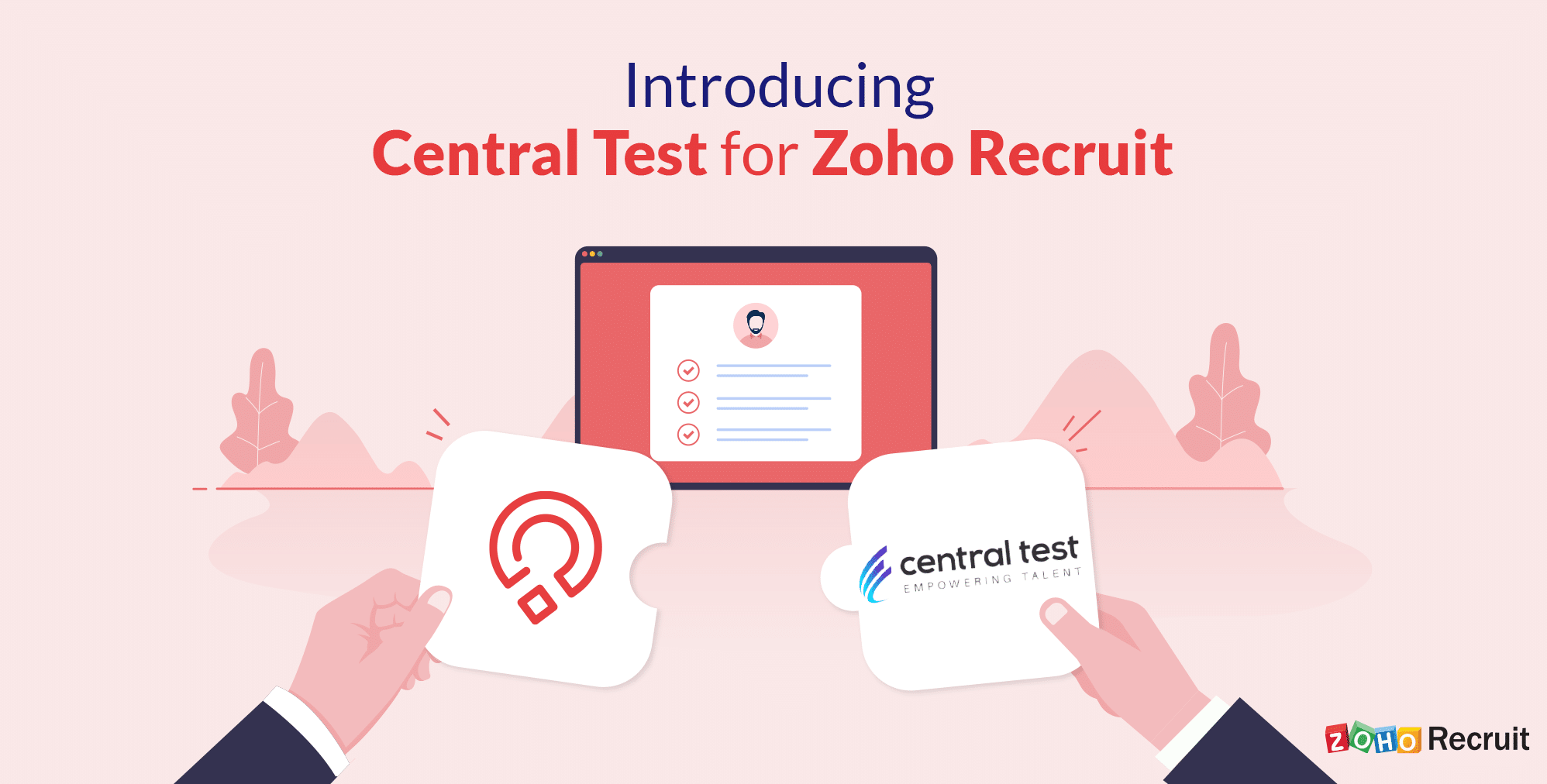
Now live: Zoho Recruit and Central Test assessments!


Zoho Recruit’s has partnered together with Central Test, a leading talent assessment platform, to consolidate your recruiting processes.

“We are delighted to partner with Zoho Recruit! From now on, Zoho Recruit clients can benefit from the best assessments solutions to help them select the candidates best suited to the jobs.”   

Patrick Leguide, CEO, Central Test 

By directly integrating the two platforms, customers can seamlessly hire new employees without leaving Zoho Recruit. Here are the top 5 reasons to use Zoho Recruit with Central Test:

  1. Integration: With this partnership, Zoho Recruit customers can now send out assessments, see candidate statuses, and view their results from one platform. Save time and reduce data entry errors by using this direct integration.
  2. Expertise: Zoho Recruit and Central Test have been end-to-end experts in their respective domains for more than a decade. This partnership improves evaluation in line with recruiters’ needs by using innovative methods and respecting the advancements and rules of modern-day recruitment.
  3. Candidate experience: You’re already providing a great candidate experience with Zoho Recruit; keep the momentum going with Central Test. Candidates will be more comfortable recording video interviews at their own pace and at any time of the day.
  4. Scientific validity: Each test is subject to several years of research and meets the most rigorous validation standards established by the American Psychological Association (APA), the British Psychological Society (BPS), the European Federation of Psychologists Association (EFPA), and the International Tests Commission (ITC).
  5. Support: Zoho Recruit and Central Test are known for their quality support. Both platforms have an entire team dedicated to answering phone calls and emails from applicants and recruiters in case of questions or concerns.

Net Universe offers all Zoho subscritpions and consultant services with worldwide Delivery Services.
Send us an email to [email protected] for more information or visit https://www.netuniversecorp.com/zoho.

Product updates: What’s new in Zoho People?

August product updates in Zoho People


We are back again with our monthly product updates, and we’re extremely thrilled to roll out these new features and enhancements. These features enhance and upgrade our product, making it more useful to our customers.

August product updates in Zoho People

Here’s a quick rundown of what to expect:

Read more detailed information about each of these features and how they can improve your HR management in our HR Knowledge Hive.

Net Universe offers all Zoho subscritpions and consultant services with worldwide Delivery Services.
Send us an email to [email protected] for more information or visit https://www.netuniversecorp.com/zoho.
Keeping support executives on top of online order delivery issues

This is a guest post by Rohan Rinaldo Felix, Content strategist at LateShipment.com.

With unstoppable growth in online sales, what according to you is the single most important concern for every business?

Customer Experience.

But, as an online merchant, handing off your “order fulfillment” process to third-party shipping carriers means leaving the critical post-purchase experience in the hands of third-party vendors.

Parcel deliveries are more error-prone than shipping carriers admit. Customers who face delays with a brand tend to switch to a competitor for subsequent purchases. It doesn’t help that shipping carriers are notoriously opaque with data about delays, and even if some information is provided, details are scant.

An error-prone post-purchase phase combined with a lack of accountability on the part of your shipping carrier has severe consequences for your business. All the effort that went into providing a delightful on-site shopping experience is negated.

Your support team needs to take proactive steps to prevent or rectify post-purchase issues that impact customer experience and retention.

The post-purchase customer experience gap and its consequences  

While you might do everything right in terms of providing customers a memorable on-site experience up to checkout, once a parcel has been handed over to a shipping carrier, a third party, you lose control of the experience you offer.

Any customer anxiously awaiting their parcel expects you to ensure timely delivery. Pointing a finger at your shipping carrier after a delay doesn’t help.

How delivery issues impact your business

1. You lose loyal customers

2. Your brand reputation is hurt through negative online reviews and word-of-mouth that deters prospective customers.

To take control when these situations happen and prevent them from happening again, empower your support executives with a quality independent solution to proactively handle post-purchase customer issues.

Supercharge your customer support with the LateShipment.com and Zoho Desk integration

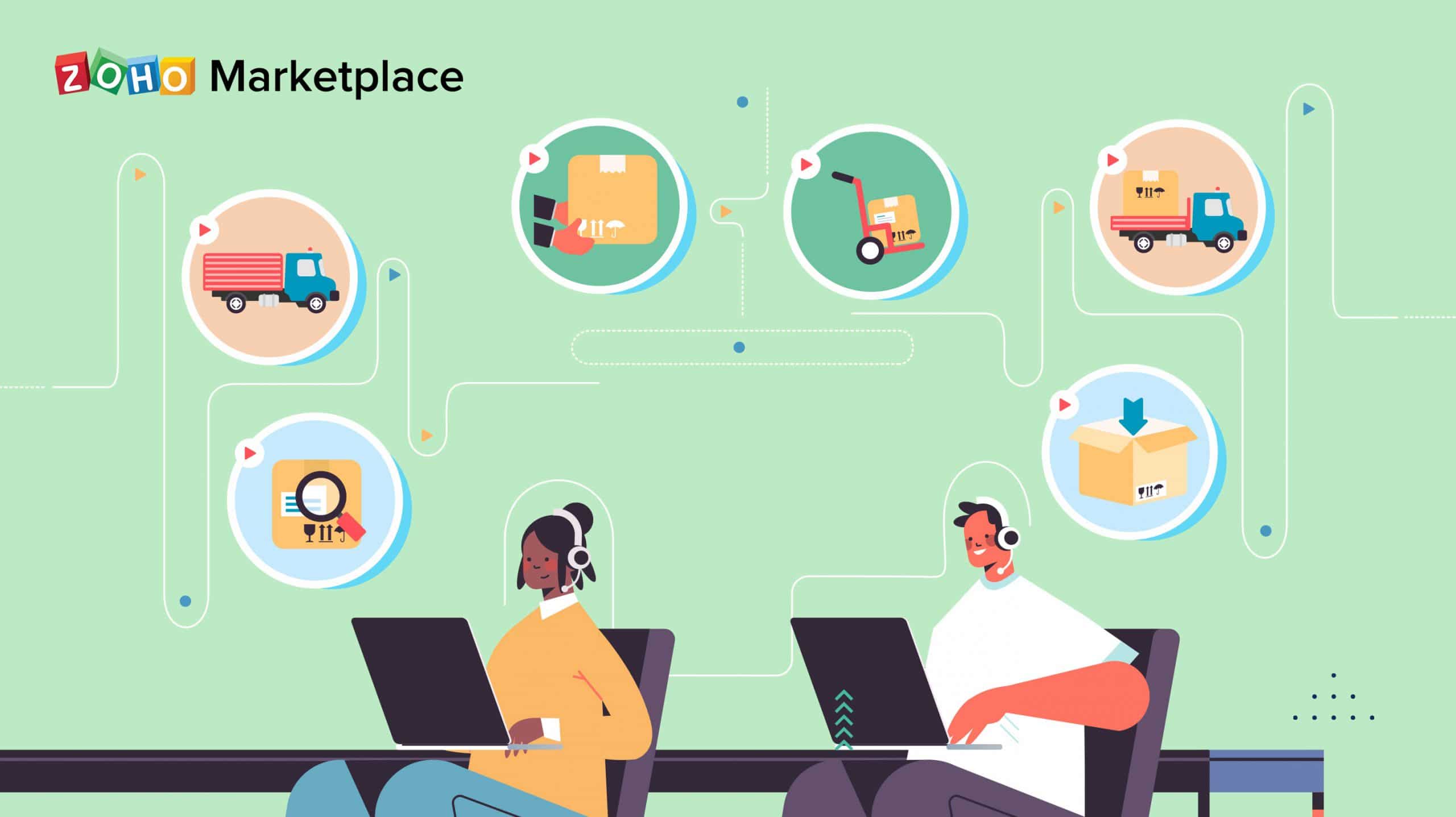
LateShipment.com is an independent Delivery Experience Management (DEM) platform that makes it possible for support executives to gain visibility into in-transit parcels and proactively engage with and delight customers in the post-purchase parcel-delivery phase.

The LateShipment.com integration for Zoho Desk has a variety of use cases to address the pain points of your remote customer support team. Here are some of them:

As a customer support executive, I often have to respond to anxious customers because their parcels are delayed. If it were possible for me to have visibility into issues before customer impact, I would be better able to handle such situations.

Anxiety while awaiting parcels is very and common. LateShipment.com lets you strategically respond to anxious shoppers by providing you unprecedented visibility into in-transit parcels across over 40 carriers in real-time within its interface.

Using the real-time information on offer, it is possible to address delivery issues before customer impact: a capability that can provide you a definite edge over competitors.

In order to afford you a broad overview of the parcels in transit for the day, they are intuitively categorized based on status. Views like Today’s Expected Deliveries, Predicted Delays, Failed Deliveries, and In-Transit with Delays help you get up-to-speed quickly. You can also view additional categories such as Returned Shipments, Damaged Shipments, and Just Shipped.


As a customer support executive, my job would be easier if it were possible for me to proactively take action from within my help desk to fix late deliveries before customer impact.

LateShipment.com’s intelligent algorithms are capable of predicting delivery delays well before the fact. Enabling the integration automatically triggers delivery-related tickets to be preemptively pushed to Zoho Desk from LateShipment.com.

The integration allows you to have seven types of tickets triggered and automatically sent to Zoho Desk for issues including In-Transit with Delays, Delayed Deliveries, and Returned. This will afford you enough time to deal with issues in the post-purchase phase before your customers even know of them!


I am required to ensure parcels reach customers on time. However, I find relatively uncommon situations like weather-related exceptions and the COVID-19 pandemic challenging because I am unable to inform specific customers in time that their parcels will be delayed.

Uncommon situations like the current COVID-19 pandemic or weather-related exceptions can disrupt logistics operations as many distribution centers are inactive. This necessitates empathetic communication from support executives to inform impacted customers in time.

Alongside Zoho Desk, LateShipment.com makes it possible to reach out through customizable emails to specific customers whose orders are facing delays and keep them informed of revised timelines for delivery. A coupon code for a subsequent purchase could be added to such an email, an action that can make a positive impact on an affected customer and turn a challenging situation around.


I receive a high volume of WISMO (Where Is My Order) calls from anxious customers who are in the dark about the whereabouts of their parcels. I’d be able to focus on more critical support tasks with a scalable way to inform customers of parcel status. 

WISMO calls are a hassle for support executives. They steal away time from addressing critical product-related issues.

LateShipment.com helps you address this situation by making it possible to send automated email and SMS updates to customers on the completion of standard shipping events like Shipped, Out for delivery, Attempted, and Delivered.

The post-purchase phase is a part of the customer journey that is often neglected. Consequently, it ends up being a weakness for businesses. Fortunately, businesses can regain control of it by proactively resolving delivery-related issues through top-quality customer support and automation. Taking charge of the post-purchase experience increases customer retention and lifetime value.

Try LateShipment.com for Zoho Desk


Work smarter by adding new capabilities to Zoho Desk with business solutions from Zoho Marketplace.

Explore Zoho Marketplace

Net Universe offers all Zoho subscritpions and consultant services with worldwide Delivery Services.
Send us an email to [email protected] for more information or visit https://www.netuniversecorp.com/zoho.
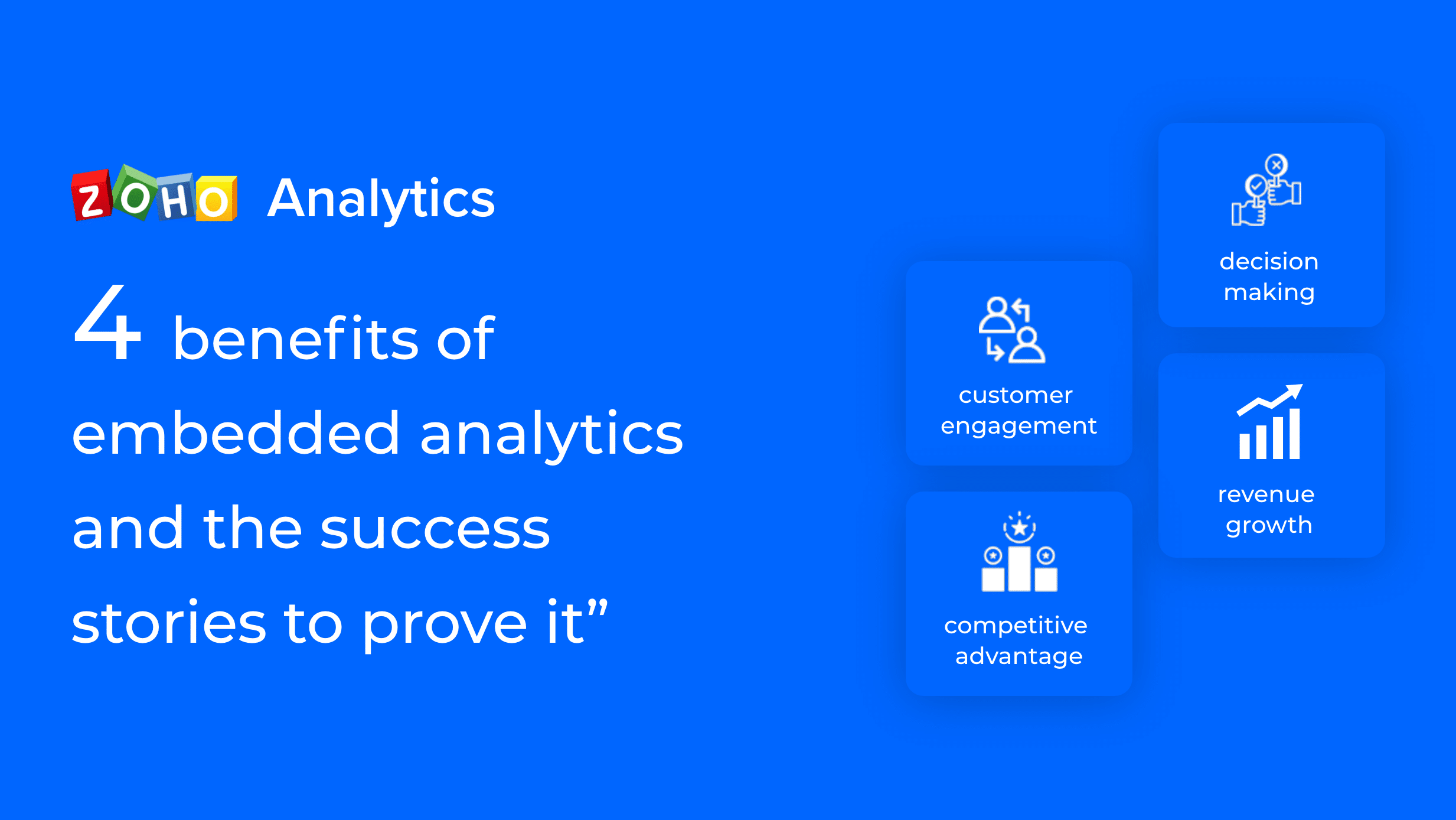
4 benefits of embedded analytics, and the success stories to prove it

Today, embedded analytics has moved from a “good to have” luxury to a “must have” necessity for solution providers. Analytics can be a key differentiator for data-driven businesses to stand out in a highly competitive marketplace, especially when companies are now facing a major challenge to retain customers and sustain revenue flow.

We had discussed earlier about the criteria to look out for in an embedded analytics solution. In this blog, we’ll talk about the four key benefits that businesses can derive from embedded analytics, plus some examples of just how successful this approach can be.

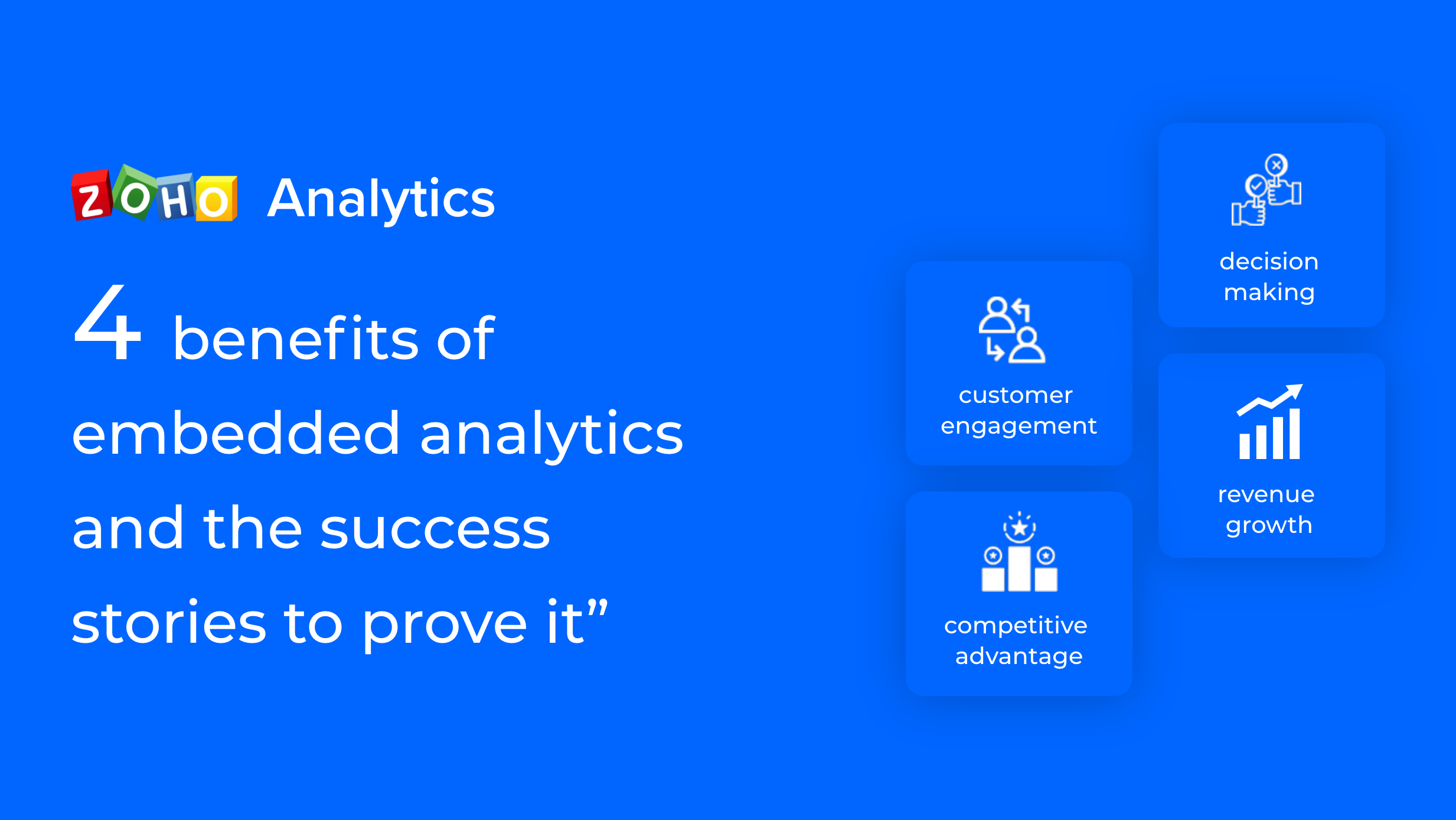
4 benefits of embedded analytics, and the success stories to prove it

 Increase in customer engagement and usage 

With the rise of digitisation, there has been an explosion in business use of analytics. Though the number of users with access to self-service analytics tools has increased, the percentage of those who take full advantage of their capabilities is far less. Embedded analytics integrates BI & Analytics within the core business workflow that significantly increases the utility and adoption of the combined solution.

It happened for our customer, Peri CRM, who embedded Zoho Analytics—white labeled as Peri Analytics—into their CRM offering, and saw increased traction among their customers, who invariably had BI needs. To put it in actual numbers, one out of six of their customers started using Peri Analytics, and there was a 50% increase in customer engagement after Peri partnered with Zoho.

I took a detailed demo and I was sold on acquiring the solution right away because of two reasons: 1. A product company was talking to me like a service company 2. With my experience in fiddling with data, I was able to churn out amazing output on the very first day.  
– Harsh Kohli
Founder, Peri CRM  

Gain a competitive advantage   

A key impact of embedded analytics is value addition that brings about a unique selling proposition (USP) to the existing product/solution offering. Infusing advanced analytics into users’ workflows makes it more comprehensive—users may no longer balk when encountering an obstacle in their workday. Instead, they’re provided with relevant insights that help to resolve their problem and move forward with ease.Such deep and contextual integration of insights, enables the solution provider to carve out a positive impression amongst its customers and build it as a niche advantage in the marketplace.

Catalyst Inc., a global supply chain management (SCM) consultancy needed a white label BI and analytics solution within their inventory management offering to provide performance insights. They decided to embed Zoho Analytics, which enabled the creation of a centralized tool to manage and compare the supply chain performance of their customers. It also offered ad-hoc self-service BI capabilities to access deep insights that delivered a competitive advantage to its customers.

We have been looking for two years, for a reporting tool that can sit on top of our replenishment system. Most of the stuff was built for really technical people. I decided to check if Zoho has something and found the brand-new Zoho Analytics. Within 15 minutes . we found the tool, imported the data and had everything looking the way we wanted.Also they got us a private white-labeled solution ready within one month. That was unbelievable.
Dan Craddock 
Co-founder, Catalyst

 Drive revenue growth 

As discussed earlier, with embedded analytics, the data generated out of business activities can be utilized better—the value it adds creates opportunities for additional revenue.

 A common goal for business applications/suites is to upsell; encourage customers to buy added functionalities over time. By adding embedded analytics to the suite, the revenue for the provider increases, and there’s one more choice available to customers for tailoring their experience.

 A leading US telecom vendor added revenue of $3-4 million by augmenting their network services offering with a Zoho Analytics white-label solution. The solution was a portal embedded with analytics & BI module that tracks and provides deep insights on their customers’ network performance in real time. Notably, this solution was also successfully applied to a government customer who used analytics both on-premises and in the cloud.

Real-time decision-making

At the heart of every business decision is an inference made from data, visualized through reports and dashboards which are shared, presented, and discussed collaboratively. This decision-making experience can become much easier with embedded analytics, which eliminates toggling between applications and allows users to analyze, evaluate, and share insights with the same context. The result? Decision-making made faster, and done in real time.

 Theometrics Consulting, a specialist in data analytics consulting, ended up with Zoho Analytics as their preferred white label analytics partner after trying other leading products in the market. They offer embedded BI solutions using Zoho Analytics. The advantage for their clients is that they can quickly get the right data within minutes. These self-service analytics capabilities also provide autonomy to their end users to do their own analysis, create reports, and make decisions.

Thanks to Zoho Analytics, we can combine all types of data to be able to manage them. Prior to the use of  Zoho Analytics, we had worked with the main tools in the market, such as QlikView, IBM Cognos, Business Objects. However, we realised that before knowing Zoho Analytics, we had never found a tool that was so easy to use.
Jonathan Theodose,
Director, Theometrics Consulting

We at Zoho provide deep embedded analytics solutions with white labelling, both for on-premises and cloud models. You can reach out to us to learn more about the solutions we offer.

Net Universe offers all Zoho subscritpions and consultant services with worldwide Delivery Services.
Send us an email to [email protected] for more information or visit https://www.netuniversecorp.com/zoho.
How to better manage employees during the new normal

The COVID-19 crisis has changed HR management completely. Some organizations are still trying to identify the best balance between working from home and working in their offices. Other organizations are planning to reopen as soon as governments relax their stay-at-home orders. Either way, it’s necessary to align your HR operations with the “new normal.” Running your business the way it was run before the pandemic might put your employees in needless danger.

Role of HR in the new normal

Every stage of the employee journey, right from recruitment to offboarding, should be conducted in a way that is consistent with safety guidelines. Here’s how you can adjust each process to create a safer workplace:

If your organization is hiring, determine any vital areas of your business that have been impacted by COVID-19. This will help you to understand what skills you need from potential employees. Conduct virtual interviews until you can be sure about the candidate’s health status.

If you are working from the office, onboarding can be conducted normally. However, it might be a good idea to ask new hires to do a medical screening. If you are working from home, virtual onboarding is the only option. New to virtual onboarding? Check out our detailed infographic to learn more.

It’s good to conduct online learning and development programs for a while to keep your employees motivated without compromising their safety. Using a Learning Management System makes online learning organized, interesting, and engaging.

During these unprecedented times, keeping your employees engaged should be your top priority. If they’re working remotely, work on strengthening communication, collaboration, and employee recognition. If your employees are working from the office, it might be prudent to keep digital collaboration tools in place to promote social distancing. No matter the scenario, try to be more understanding and flexible.

Continuous performance reviews yield better results than having a single annual review. They allow employees to voice the concerns that are holding them back as they come up, and employers can provide valuable feedback to better motivate their workers. Continuous reviews give employees a chance to define and focus on short-term goals.

Offboarding, especially during this time, should be made smooth for your employees. This is a difficult time to be out of work. Be compassionate, and involve your IT and legal teams to ensure compliance.

Read more about the role of HR in the new normal.

Net Universe offers all Zoho subscritpions and consultant services with worldwide Delivery Services.
Send us an email to [email protected] for more information or visit https://www.netuniversecorp.com/zoho.

Zoho Expense integrates with Amazon Business: Manage your business purchases effortlessly!

Amazon Business is a purchasing solution that provides business owners with access to a vast network of suppliers, an easy ordering experience, and savings designed for business purchases. However, reporting these business purchase expenses on Zoho Expense was a manual process.

So, if you are a business owner who is:

  • Wondering how to keep track of your Amazon Business purchases or
  • Looking for an easy way to convert your business purchases into business expenses or
  • Trying to cut down your lengthy expense reporting process — Zoho Expense’s integration with Amazon Business is for you.

Zoho Expense and Amazon Business Integration

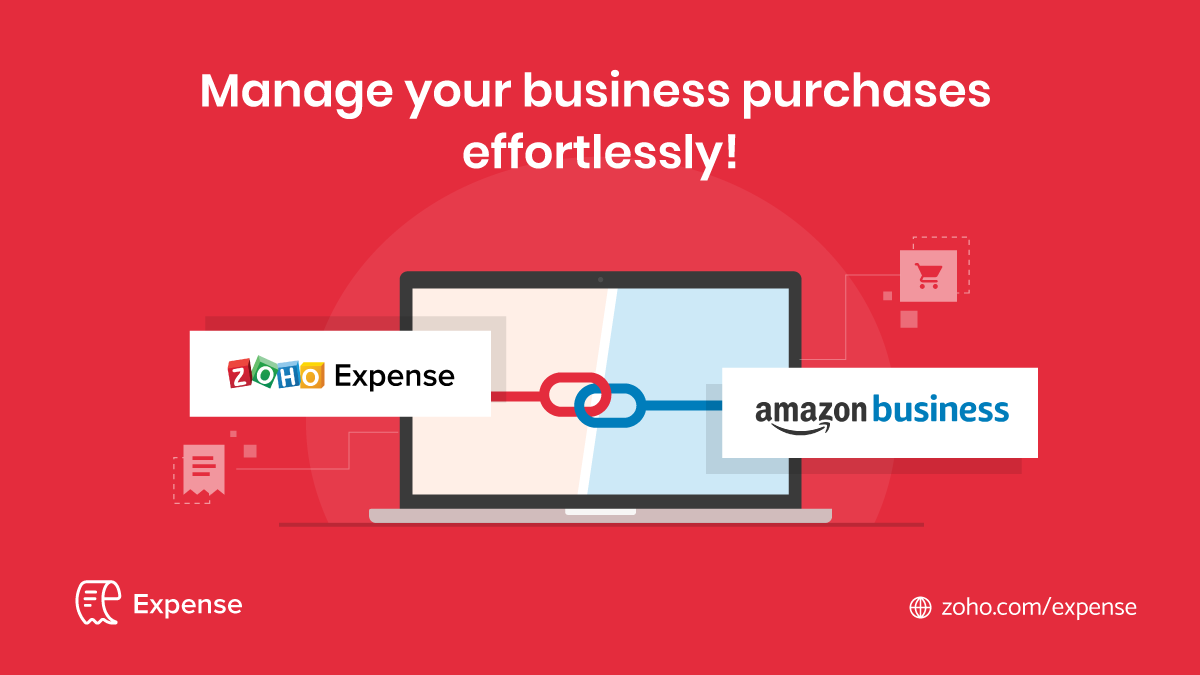
With this integration, Zoho Expense fetches the invoice details of all the purchases you’ve made through your Amazon Business account and creates expenses automatically.

This helps you manage all your business purchases in one place, and save your employees the trouble of recording expenses manually. Here are some of the ways this integration will benefit your business:

Convert business purchases into expenses without breaking a sweat

When you make business purchases through Amazon Business, reporting these expenses manually can be time-consuming and error-prone. With this integration, this process is completely automated. Every time one of your employees purchases on your Amazon Business account with their corporate card, an expense will be automatically created for that employee in Zoho Expense.

Also, if you have enabled Report Automation for your Zoho Expense organization, an expense report will be created consolidating all the Amazon Business purchase expenses for each employee and will be submitted for approval. Thus, the process will be automated end-to-end and the employees need not worry about manual intervention at any step of the way.

Get insights on your business purchases

Keeping a close eye on your business purchases is an essential part of controlling your spending. Spending patterns help you monitor your business performance and arrive at important financial decisions.

By integrating with Zoho Expense, you will get a bird’s-eye view of all the purchases made in your Amazon Business account. The number of purchases made, the total amount spent, and the expense trends are graphically depicted on the dashboard. Getting a precise picture of your business purchases made via Amazon is now quick and simple.

So, what are you waiting for? Try the Amazon Business integration right away and manage your Amazon Business purchases efficiently.

Note:

  • This integration works only with your Amazon Business account and not your personal Amazon account or Seller account. Don’t have an Amazon Business account? Create a free Amazon Business account.
  • The purchase transactions will be fetched into Zoho Expense once the order is shipped on Amazon Business.

Net Universe offers all Zoho subscritpions and consultant services with worldwide Delivery Services.
Send us an email to [email protected] for more information or visit https://www.netuniversecorp.com/zoho.

Increase sales and operational efficiency with a CRM Map

This is a guest post by Mapsly

Location data in your CRM records is a valuable resource, which when used with the proper tool can help dramatically increase sales and operational efficiency. You can extract actionable insights and optimize productive work hours.

 Read on to identify the top 5 pitfalls of working with location data and how you can tackle them.

1. Inefficient routes for field sales reps

If visiting customers takes up a large portion of your sales reps’ time, planning optimal routes is a common challenge. Inefficient routes can waste ~25% of a sales rep’s potentially productive work hours compared to following an optimal route.

Solution: A good map integration for your CRM allows you to create optimal routes between your CRM leads or accounts while considering the real-time and historic traffic data as well as the planned departure times. Read locations directly from Zoho CRM records and eliminate the need to manually upload data into the route planner.

2. Laborious analysis of geodata and lack of fast actionable insights

“Where are my customers clustered that would justify new local points of sale?”

“From which areas did my leads come over the last week?”

“In which regions are my accounts with $10M+ lifetime revenue?”

If you’re asking similar questions that take more than 30 seconds to answer, you might be missing out on an opportunity to extract value from your location data and incorporate geodata into your decision-making process.

Solution: Viewing your CRM data visualized on a map reveals useful patterns. A quality integration such as Mapsly with Zoho CRM will give you the option to make map layers with custom markers based on your chosen criteria. You can also set up custom CRM modules and custom fields to make the most of your location data.

 3. Slow and inaccurate geo-matching of prospects solely based on distance

Running geo-matching process off of Google Maps and CRM workflows that match the parties by zip codes alone can decrease team’s efficiency.

Let’s take a look at some examples:

  • A call-center of a medical insurance company connects patients with the closest clinics that provide the service they require, considering the patients’ ability and mode of transport.

  • A network of schools that connects their graduating students with entry-level jobs in their area based on the type of transportation available to them and the amount of time they’re willing to spend on their daily commute.

  • A lead generation company that connects financial advisors to businesses in their area based on the type of business they specialize in and the maximum travel distance they’re comfortable with.

In any of these cases, the organization would like to assign new leads to a sales rep living closer to them based on the business metrics the sales rep is best at.

Solution: Integrating an app like Mapsly with Zoho CRM will let you set a base point (like a patient, a student, or an advisor in the examples above) and it will calculate the distance to and from all the service providers at once, thereby incorporating distance metrics into the criteria to match the provider to consumers.

It will also support viewing and updating multi-select lookup fields, allowing you to assign selected providers to their matching consumer right on the map. You can make any other necessary updates to your CRM data without leaving the map, and the integration will sync changes to the CRM in real time.

4. Inefficient sales territories (including those defined through zip codes)

Businesses that manage geographic sales or service territories usually resort to defining their territories by a list of zip codes, making zip code boundaries inevitable. Zip code boundaries are hard to maintain because you can’t visualize them to troubleshoot issues like missing or duplicate zip codes. 

Solution: Having relevant contacts and accounts plotted out on a map in the right app gives you the option to hand-draw territories, automatically assign CRM records to the assigned territories and save them, allowing you to utilize them in your territory assignment rules.

5. Disjointed processes involving the map—viewing data on a map, but editing in the CRM

Using separate geo-tools can make it time-consuming to modify your CRM data, forcing you to frequently switch back to your CRM to find the records you’re interested in. Finding records without geo-filters will take longer than needed.

Solution: Update Zoho CRM records individually or in bulk from your map. Trigger CRM workflows in the Mapsly App, both on desktop and mobile. Build your process around the map and input the location data, making work more efficient.

Address the challenges gracefully with Mapsly’s interactive maps seamlessly integrated with Zoho CRM. Visualise, organize, and analyze location data to make the best use of your team’s time and resources.

Try Mapsly for Zoho CRM

Work smarter by adding new capabilities to Zoho CRM with business solutions from Zoho Marketplace.

Net Universe offers all Zoho subscritpions and consultant services with worldwide Delivery Services.
Send us an email to [email protected] for more information or visit https://www.netuniversecorp.com/zoho.
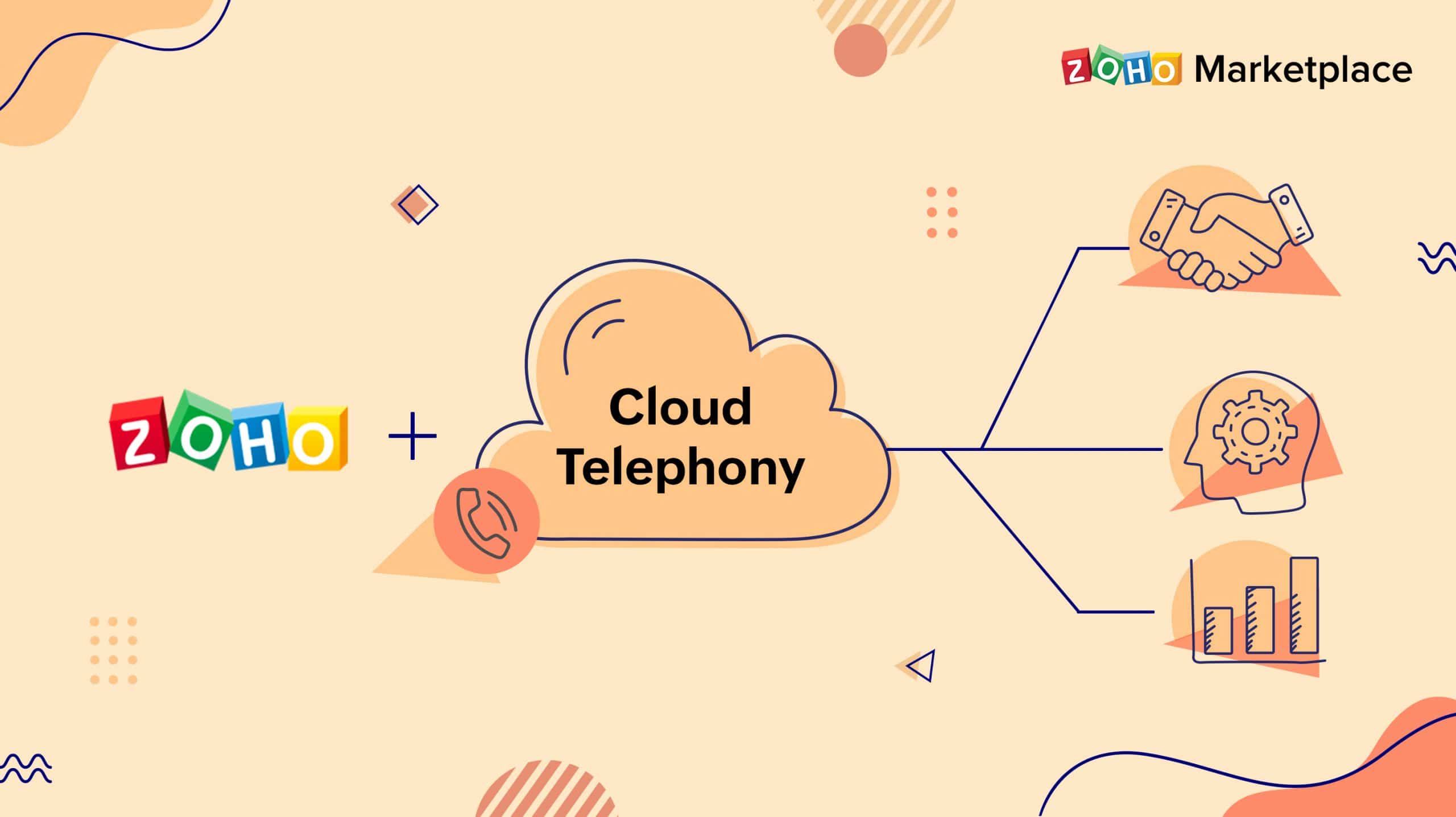
Connecting Zoho with cloud telephony—why and how?

Your customers and prospects expect a personalized experience. When they call, they expect you to know who they are and why they are calling—and the sales and support experiences you deliver significantly influence your prospects’ purchasing decisions and customers’ trust in your brand.

But how do you deliver a frictionless, contextual experience to make the most of every interaction?

When you integrate Zoho CRM or Desk with your telephony system, you can quickly identify the caller and see contextual information, including past interactions—all the essentials to deliver a meaningful and personalized conversation over the phone. Integrating the two systems unlocks a host of other benefits such as

  • Shorter lead response time by replacing manual dialing with easy features such as click-to-dial and autodialer

  • Improved productivity and efficiency by eliminating manual call logging

  • Better call management with caller identification via on-screen call pops for all incoming calls, notifications about missed calls, and reminders for outbound calls

  • First-call resolution by AI call routing powered by Zia (Zoho’s intelligent assistant) to automatically route calls to match customer needs with agent skills

  • No more telephony hardware that’s expensive to procure and maintain, so you can carry on with your business from anywhere

All these features help your sales and support execs enhance the caller experience and improve the effectiveness of their interactions by proactively using data from your Zoho product.

If your business is already using a telephony provider, discover a pre-built integration for your telephone system, and use it for free. Zoho offers native integration with over 100 telephony service providers for businesses of all sizes—from SMBs to enterprises and everything in between.

However, if you’re on the market looking for a telephony solution for your business, we understand it can get confusing to make your pick. So we’ve put together a list of our top picks to help you find the one that best fits your business needs.

Intermedia Unite

 RingCentral

 Amazon Connect

Vonage Business

Brekeke PBX

RingOver

Ring.io

Megacall

 Phone.com

Jive Communications

Integrating Zoho products with your telephone system helps teams to craft personalized interactions, building trust, and lasting relationships that increase customer retention and revenue.

The post Connecting Zoho with cloud telephony—why and how? appeared first on Zoho Blog.

Net Universe offers all Zoho subscritpions and consultant services with worldwide Delivery Services.
Send us an email to [email protected] for more information or visit https://www.netuniversecorp.com/zoho.
Launching Zoho TeamInbox: what’s in it for you!


The way we work now has changed and in all likelihood, will continue to change even after our current global situation. Work cannot be expected to be only desk-bound anymore. Many organizations have also been realizing the importance and advantages of remote work. However, this new order has also come with its own challenges—namely, communicating and collaborating with people working from different locations.

While we are all giving our best to keep work going, it’s important that we stay properly connected with our team. Lack of this connection with our team results in chaos and disrupts team productivity. Though there are many modes we use for communication, email has been a central mode of connection since its beginning. However, collaboration via emails is not always entirely smooth.

To make email-based collaboration easier, we are delighted to announce the launch of Zoho TeamInbox: shared inboxes for team collaboration, built on Zoho Mail.

To learn more about why we built Zoho TeamInbox, check out our previous blog.

http://https://www.youtube.com/watch?v=ByKIyBtWynY” frameborder=”0″ allowfullscreen>

Why teams should use Zoho TeamInbox 

A unified inbox for the entire team

Say goodbye to confusing email forwards, CCs, and BCCs with a common space for all your group emails. Enjoy a transparent work environment where team members stay up to date on everything that’s happening.

Uncomplicated collaboration with team directly from your inbox

Receiving messages in one place and collaborating over them elsewhere can be chaotic. With Zoho TeamInbox, conduct discussions with your team over threads without having to switch apps and lose context. You can even invite people outside your team to assist you. This way, you can make sure to always send out accurate responses.

No more work duplication

Two people working on the same task can interrupt productivity. Delegate messages among your team members so everyone is aware if a task has already been assigned. Delegation also ensures that no message is forgotten or left unresponded.

Get to Inbox Zero with ease

Email overload can be stressful, but Zoho TeamInbox helps you sort emails based on their priority and close threads when you are done with them. This way, you can have more space for ongoing conversations and focus on the most important threads.


Collaborate on the move 

You don’t have to be at your desk to connect with your team. With our mobile apps for iOS and Android, you can receive emails and work together from wherever you are, at any time.

So, ready to explore?  

We are thrilled to offer you and your team the benefits of Zoho TeamInbox. Join us today—sign up to get instant product access and avail our introductory offer at just $8 per month for five users and three inboxes, billed annually.

Leave your comments below to let us know what you think of Zoho TeamInbox.

Note: Zoho TeamInbox is still in its beta, so should you have any hiccups in the product, please let us know.

Net Universe offers all Zoho subscritpions and consultant services with worldwide Delivery Services.
Send us an email to [email protected] for more information or visit https://www.netuniversecorp.com/zoho.